How much does a website cost in 2026 – and what are you actually paying for?
Why quotes for the "same" website can differ tenfold – and how to work out what you really need, without overpaying or making expensive mistakes.
Read articleNo buzzwords: concrete examples of automation and AI tools small and mid-sized companies can introduce this month – and what to watch out for.

When people talk about artificial intelligence, it's easy to assume it's a topic for big corporations. In practice it's the other way round: small businesses often benefit most, because every hour the owner or an employee spends on repetitive tasks directly costs money.
Here are ten concrete examples we regularly implement for clients.
A simple calculation: if someone on your team spends just one hour a day retyping data, sending the same replies or compiling reports, that's about 20 working hours a month – more than two full working days. An automation that cuts this usually pays for itself very quickly.
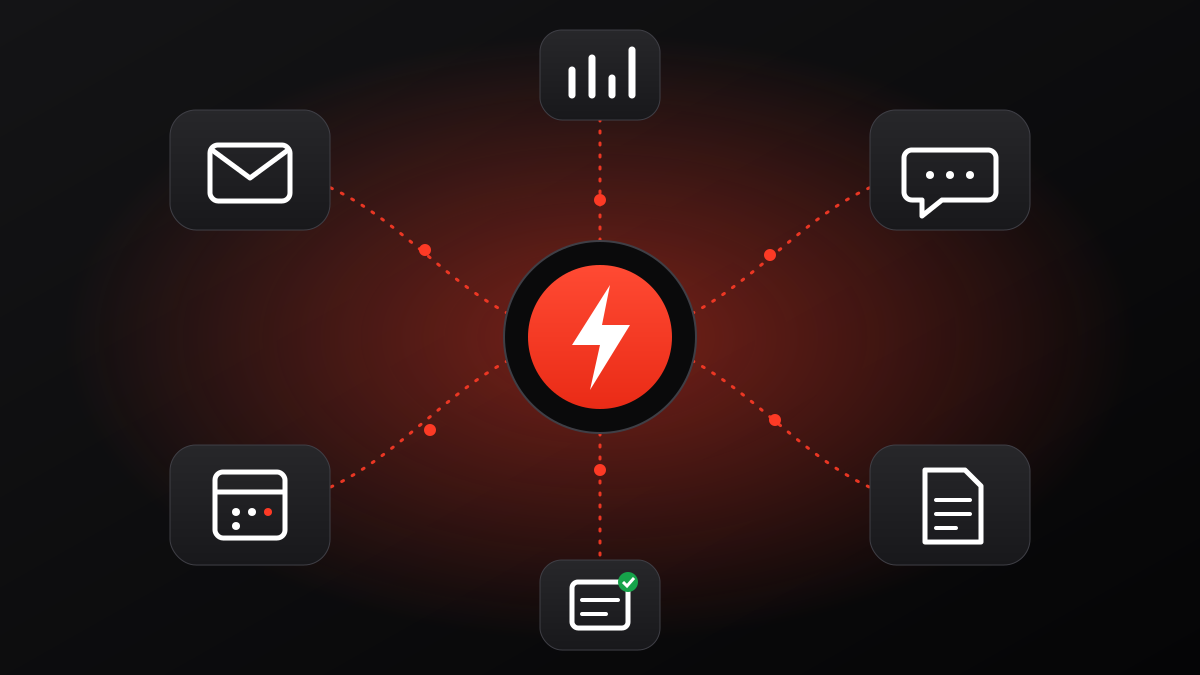
Enquiries from your web form, email, Facebook and WhatsApp are automatically logged in one spreadsheet or CRM, with date, source and status. No enquiry gets lost again.
As soon as someone sends an enquiry, they receive a friendly confirmation telling them when to expect a reply – in their own language. The customer knows you haven't forgotten them.
If there's no reply to a quote within three days, the system reminds you – or sends a short, polite message itself. Many deals are lost simply because nobody followed up.
Using data from the enquiry, the system drafts a quote in your template. You just check it and send it.
Clinics, salons, garages: an automatic SMS or WhatsApp reminder the day before reduces no-shows.
For accommodation: arrival instructions, parking codes, recommendations and a thank-you after departure asking for a review – all at the right time, without sending anything by hand.
A completed order in your online store automatically creates an invoice, updates stock and notifies the warehouse.
Every Monday a short summary lands in your inbox: new enquiries, sales, website visits, ad results. No manual merging of data.
On your website or in messaging, an AI assistant answers questions about opening hours, prices, delivery and terms – based on your own information. Complex questions are passed on to you.
Long emails, enquiries and documents are automatically summarised and sorted by urgency and topic, so you immediately see what matters.
Most of these examples don't need expensive custom software. We use app-integration platforms (such as Make, Zapier or n8n), the tools you already have (Google Workspace, Microsoft 365, your CRM, your online store) and, where it makes sense, AI models with strict data rules. Only when off-the-shelf options aren't enough do we build custom software.
If you'd like to do this together, take a look at our automation and AI services. The first call is free – and often we find several hours of weekly savings in that conversation alone.
We'll look at where you are today and suggest concrete next steps – no jargon, no obligation.